
Why the bytes never enter the model: how Media moves files
A file inside a model's context is the most expensive and least useful place it can be. Media gives every file a number, moves the bytes server-side from storage to platform, and keeps the model to a dozen tokens per file. Here is how it is built: the store, the one generic bridge that covers 158 tools, the two MCP Apps widgets, and a zip that streams with an exact length.

There is a version of “let the AI handle files” that is easy to build and wrong. You read the file, base64 it, and hand it to the model. It works in the demo. Then someone asks for a 40 MB video and you discover that a model’s context window is the most expensive and least useful place a file can be: it costs money per byte, it has a ceiling, and once the bytes are in there the model still cannot do anything with them except describe them.
The second version is the one most MCP servers ship, including ours until this week: the tool returns a link. The link is a presigned URL on whoever’s storage the vendor uses. It lasts an hour. If the model wants to send that file to another tool, it has to carry something across, and what it carries is whatever the first tool’s result happened to contain. In our case that was a storage key, and we counted a few hundred calls in ninety days where the model had lifted a key out of a download link and pasted it into an upload. It worked. It was also a model doing plumbing by pattern-matching, which is the kind of thing that stops working the day a vendor changes a field name.
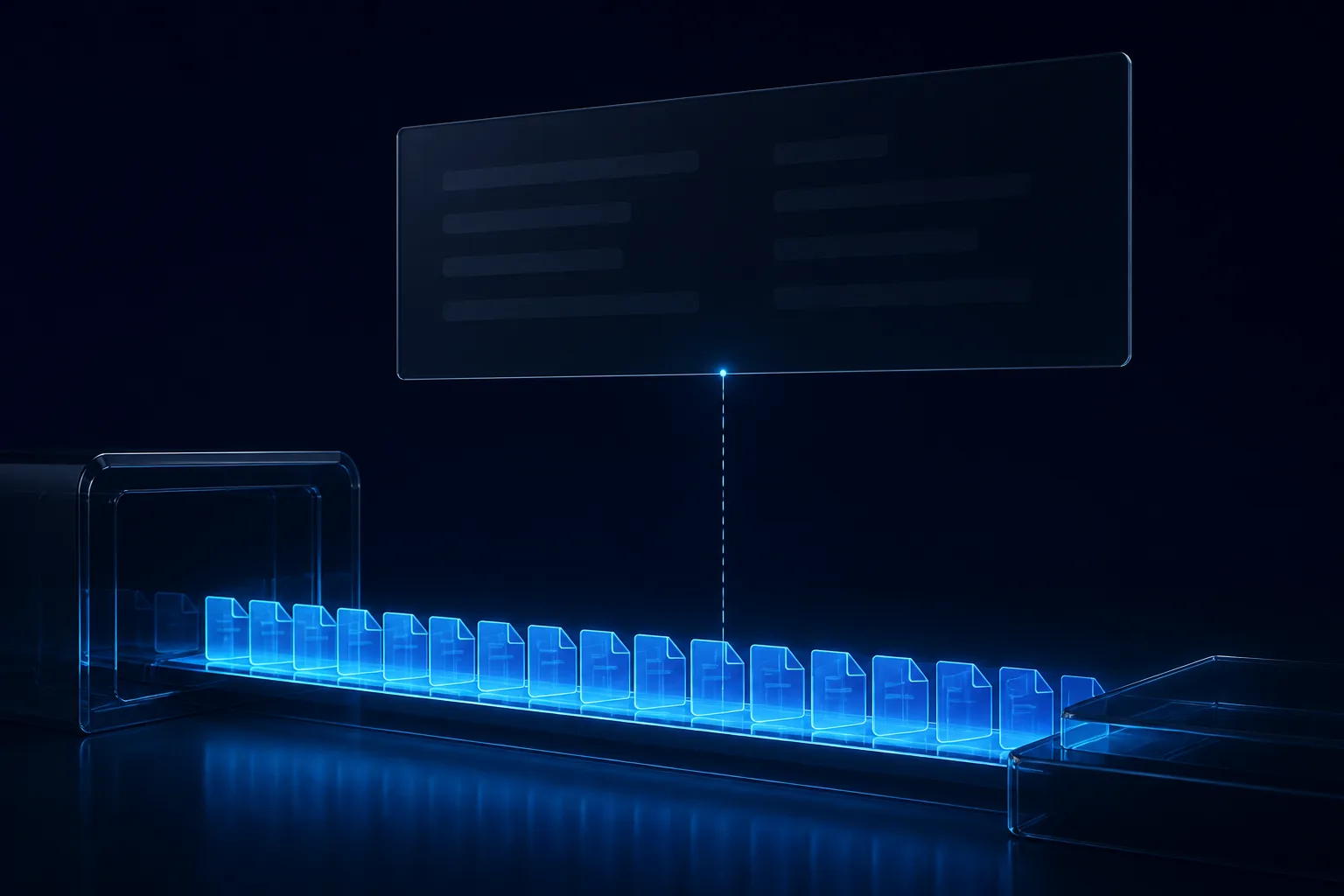
Media is the third version. Every file gets a number. The number is the only thing the model ever handles. The bytes move server-side, from storage to the platform the model named, inside the tool call. This post is how that is built, because several of the decisions turned out to be less obvious than they look.
The store
Files live in a private Cloudflare R2 bucket in the Oceania jurisdiction, keyed media/<workspace>/<uuid>, talked to through aws4fetch because the whole API surface we need is PUT, HEAD, ranged GET, copy and delete with SigV4 signatures, and that is 40 lines of presigner plus a dependency that signs headers, not an SDK. Nothing in the bucket is public. Every read is a presigned GET minted for one object for a few minutes, and the public addresses we do hand out (files.floconnector.com/f/<token>) are a route on the api that looks the token up, checks it, and redirects. The browser downloads from Cloudflare; our server handles a few hundred bytes.
There is one pool per workspace, not a temporary tier and a kept tier. We designed the two-tier version first and threw it out the same day, because every rule we wrote for it was a rule about which tier a file should have been in. One pool with a pinned flag is simpler to reason about and simpler to explain: a pinned file is never evicted, and when the pool is full the workspace’s setting decides whether the oldest unpinned files make room (the default, and the result says what went) or the arrival is refused. Eviction happens at arrival, inside the request. There is no sweeper that could run at the wrong time, and nothing that counts from boot.
Each file carries who brought it in and which tool it came from. A file a tool creates belongs to the person who ran the tool, with that person’s permissions, never to the workspace at large. That one rule is what keeps Media from quietly widening what a narrowed role can see.
The number
A media number is a per-workspace counter: media 1, media 2, media 3. Numbers are never reused. In a tool result a file is { media, name, type, size, pinned }, which is about a dozen tokens, and anything actionable goes in the text channel because at least one client only shows the model text on error.
The number matters more than it looks, because it is a reference the model can hold across turns, across tools and across days without any of them agreeing on anything. The ServiceM8 download does not know what Xero’s upload wants. Neither needs to. The model says “media 12” to both, and the harness, which is trusted code we wrote, opens media 12 from the bucket and does whatever that tool’s transport requires.
For our native connectors that means two patterns. ServiceM8 takes multipart and gets a stream with an exact Content-Length, where the body is a factory rather than a stream so a retry can re-open it. Xero takes raw bytes with a size cap and gets a buffer, capped at 25 MB, because Xero’s own limit is lower than ours and buffering under a cap is simpler than streaming a body Xero will reject anyway.
One bridge for 158 tools
Native connectors are five. The other hundred-odd come through Composio, and the question was whether Media was going to be a native-only feature or a FloConnector-wide one. Per-tool code across a hundred vendors would have made it native-only in practice.
It turned out not to need any. Composio’s tool schemas mark file parameters with a file_uploadable flag, and their file transport is a request for an upload slot followed by a PUT to a presigned URL. So the bridge is one module that does three things to every Composio tool, without knowing what the tool is:
- On listing, rewrite the schema. Every
file_uploadablenode becomes an integer called “Media number”. Lists of files stay lists. The mail tools’anyOfkeeps both branches. - On invoke, swap the arguments. For each media number in the call: open the object from R2, take its MD5 from the ETag, ask Composio for an upload slot, stream a PUT with an exact
Content-Length, and put Composio’s key where the number was. - On result, capture downloads. Every
s3urlin a result is a presigned link that lasts an hour, so the bridge pulls it into Media inside the same request, replaces the link with a media description, and drops the raw key from the result entirely. The model never sees a key again, which is the whole point.
That covers 158 tools in the production catalog today and will cover the next vendor without a line of code. Seven tools that take a URL rather than bytes (SharePoint, Google Drive and Dropbox among them) are matched by shape, a parameter named source_url, file_url or url on a tool whose slug says from-URL, and accept a media number in place of the address: the bridge mints a ten-minute transfer link and the vendor pulls from it.
Two assumptions we made about Composio before building this were wrong, and both are worth passing on. It does not dedupe bytes. Requesting a slot for the same MD5 twice returns the same id and a new key, and sending with the second key without a PUT fails inside Composio with a storage 404. So the bridge PUTs on every transfer and never reuses a key. And the toolkit and tool slugs on the slot request are labels. A key requested as Gmail attached fine through Outlook. Keys are project-scoped. Neither fact is documented; both came from running it.
A third thing, for anyone capturing downloads: HEAD on an s3url is a 403, because the method is part of the signature. Size comes from a ranged GET of the first byte and the Content-Range it returns.
The model can look
Moving files is most of the job. Some of it is reading them, and here the bytes do have to reach the model, so the question becomes how few.
flc_media_view hands the model the file itself with the size held down: images re-encoded as WebP with a 1568 px long edge, which is what a vision model actually consumes; PDFs as an embedded MCP resource up to 20 MB, handed over whole because a PDF’s pages are the content; text and CSV quoted up to 200 KB; at most ten files a call. Video, audio and Office documents are refused with a pointer to a link, because a model cannot read them and pretending otherwise just burns tokens on a failure.
The companion is the batch form of flc_media_update: look at twenty photos, rename all twenty in one call, with a per-item ledger in structuredContent so a refusal on one does not hide the nineteen that worked. We considered an automatic “smart names” pass through a vision model and measured it at a fraction of a cent an image. It lost to this on a different ground: it would have meant sending customer photos to a provider that was not in our data processing addendum. Reading and renaming inside the chat uses the model the customer already chose.
Two MCP Apps, and the channel the model never sees
Choosing files is the user’s job, not the model’s, and a chat is a bad place to do it by name. So the list tool carries a widget. This is the MCP Apps extension, the one we wrote about when we shipped our first widget, and Media is the second and third use of it.
The picker rides on flc_media_list. The tiles, each with an hour-long presigned thumbnail, go in the result’s _meta under a key of ours, because _meta is the one channel that was private to the widget on every host we tested; structuredContent is shown to the model by some hosts, and a page of base64 thumbnails in the model’s context would cost real money for nothing. The bucket’s origin is declared as the widget’s one resource domain so the thumbnails can load under the host’s CSP; the widget itself fetches nothing. Ticking files pushes the selection into the model’s context, so “use those” typed into the chat works with no button. Use these posts one user message naming the numbers, the same channel the uploader’s Done button uses, so the model acts in the same turn. Download calls the bundle tool through the host and opens the page, and where a host will not relay a panel’s tools/call, it posts the same request as a user message and the model makes the bundle instead.
The uploader rides on flc_media_upload, and it was the first widget we shipped with a non-empty CSP. Each dropped file is three calls: a slot from the api (caps checked on the declared size, type checked against an allowlist, a pending row, a 15-minute presigned PUT), the PUT straight from the iframe to R2 (never through our server), and a complete, where the api HEADs the object, sniffs the first 4 KB, refuses and removes anything that is not what it claimed to be, takes the MD5 from the ETag and settles the file into the pool. We proved the iframe PUT in both claude.ai and ChatGPT before building any of this, because if the sandbox could not reach the bucket there was no uploader.
Two host behaviours shaped the copy. claude.ai paints its own full-window “drop to attach” overlay while a file is being dragged, which can swallow a drop meant for the panel, so the zone says “click to choose” for that case and tells you plainly that files attached to the chat can’t reach FloConnector. And a widget’s ui/update-model-context push did not reach the model’s reply in the same turn on either host; it arrives with the user’s next message. So the uploader has a Done button that posts as the user, and the model answers at once.
A zip that streams with an exact length
A bundle is several files behind one address for a person, and the address is a page rather than a bare zip. A widget runs in a sandboxed iframe that can neither fetch the bucket nor start a download without the host’s say-so, and a bare zip gives a phone a file with no context and a raw 404 when the token has died. The page lists the files with their sizes, offers one Download all and each file on its own, and the same page says “no longer available” for an unknown, expired or emptied token.
The zip itself is assembled as the browser pulls it. Every entry is stored, never deflated: photos, PDFs and video are already compressed, and storing is what makes the length knowable in advance. With names and sizes known, the local headers, data descriptors and central directory are all computable before the first byte, so the response carries an exact Content-Length and a download bar that means something. The CRC-32 is computed in the one pass through each object with Node’s zlib.crc32 and written as a data descriptor behind the data. Nothing is buffered beyond the chunk in flight and nothing is written to disk, and an object whose stream disagrees with its recorded size aborts the download rather than ship a shifted directory. Caps are 50 files and 1 GB, far inside the format’s ZIP64 lines, and refused whole rather than trimmed.
The token lasts 24 hours and that is not a setting. A bundle row holds the file ids as a list and re-resolves them on every request, so a deleted file drops out of the page and a bundle with nothing left answers the same 404 as a token that never existed. There is no revoke, because a day is the whole point, and making one needs the right to use every file in it; after that the token is the credential.
Permissions, per call
Every Media tool runs as the calling user, resolved from the OAuth grant the AI client holds, and checks its permission on every call. There are eight keys. Members can upload, see and use their own files and shared ones, manage their own, and make links up to a day. Pinning, sharing, long links, seeing everyone’s files and the pool setting are admin. All of it is per role and per person, the same machinery the rest of the dashboard uses.
Two edges were deliberate. A file a tool creates follows that tool’s permission, not the upload permission: if someone may call the ServiceM8 download, the photo it makes is theirs, and gating it on upload would have silently broken connectors they were already allowed to use. And a media number a tool hands back mid-chat can be passed straight to the next tool even by a role without the view permission; view gates browsing and listing, not plumbing.
Deleting a pinned file from the chat needs confirm: "delete" in the call. Without it the tool only describes what would go and asks, so a deletion of a pinned file always follows a turn in which the user saw the name. Unpinned files delete at once, because the pool may evict them anyway.
What this cost and what it did not
Media calls are billed as included, like the rest of FloConnector’s own tools, at zero credits. What a Media call costs us is bandwidth, and Cloudflare charges none on egress, which is a large part of why the store is where it is. The vendor call inside a transfer, the Xero upload itself, is metered as it always was.
The whole of it shipped as release 0.42.0 on 8 November 2026, after every path in this post had been run live through the MCP against real accounts and compared byte for byte: ServiceM8 to Media to Xero and back, Gmail to Media to Outlook to Media, a three-file bundle unzipped clean, a 202 MB video through the drop zone in claude.ai. The one half of the acceptance not run live was SharePoint, because there is no SharePoint on the dev tenant; the bridge treats it exactly as Gmail.
If you are building file handling on MCP, the shape I would argue for is this one: a small stable reference the model can hold, a trusted harness that owns the bytes, and the model’s context reserved for the thing it is good at. The file does not need to be in the conversation. The number does.
Keep reading
More from the blog
Google Business Profile + AI: the posts, photos and replies get done
I've run Google Business Profile posting for local businesses by hand for years, and it is one of the highest-leverage jobs in local marketing that nobody has time for. Google Business Profile is now live on FloConnector: 46 tools on each connection, every connection locked to one business, and your job photos go from Media to the profile without touching your camera roll.
Employment Hero + AI: 189 tools, and the HR admin stops being clicks
Employment Hero is live on FloConnector on a connector we build and maintain ourselves: 189 tools across people, leave, rosters, timesheets, compliance, forms, goals, reviews and assets. Your AI can approve the leave, fix the roster and chase the policy sign-offs, and the three writes that change someone's job or pay start switched off.
AroFlo API v2: 147 tools, and the AI can finally write the quote
AroFlo opened its new API to every site, so we built a second AroFlo connector on it: 147 tools, one pasted token, and the writes the old API never allowed. Quotes, invoices, credit notes, payments, labour on a job, and documents straight from a OneDrive or Dropbox link.