
Let Claude or ChatGPT manage your Google Ads: every option compared
Claude and ChatGPT have no Google Ads connector. Google has an open-source MCP server, and FloConnector has a hosted one. Here's what each can do, side by side: reports, campaigns, budgets, keywords and conversions.

This is the shortest list in the series. Open the connector directory in  Claude and search for
 Google Ads: nothing. Try the apps in
 ChatGPT: nothing there either. I checked both on 26 November.
That leaves Google’s own answer, an open-source MCP server on GitHub, and it’s a careful piece of engineering. Every change it makes goes through a dry run first, comes back to you as a list of what will change, and only goes through once you’ve approved that exact list. I’d like more tools to work that way.
The catch is what it changes. Its four write tools create assets and manage labels. Everything else, the campaigns, budgets, bids, keywords and ads that make up the actual work of running an account, is read only. And you run it yourself, with Python and a Google Cloud project.
So this is my side-by-side of the ways to put Google Ads in your AI, and what  FloConnector adds.
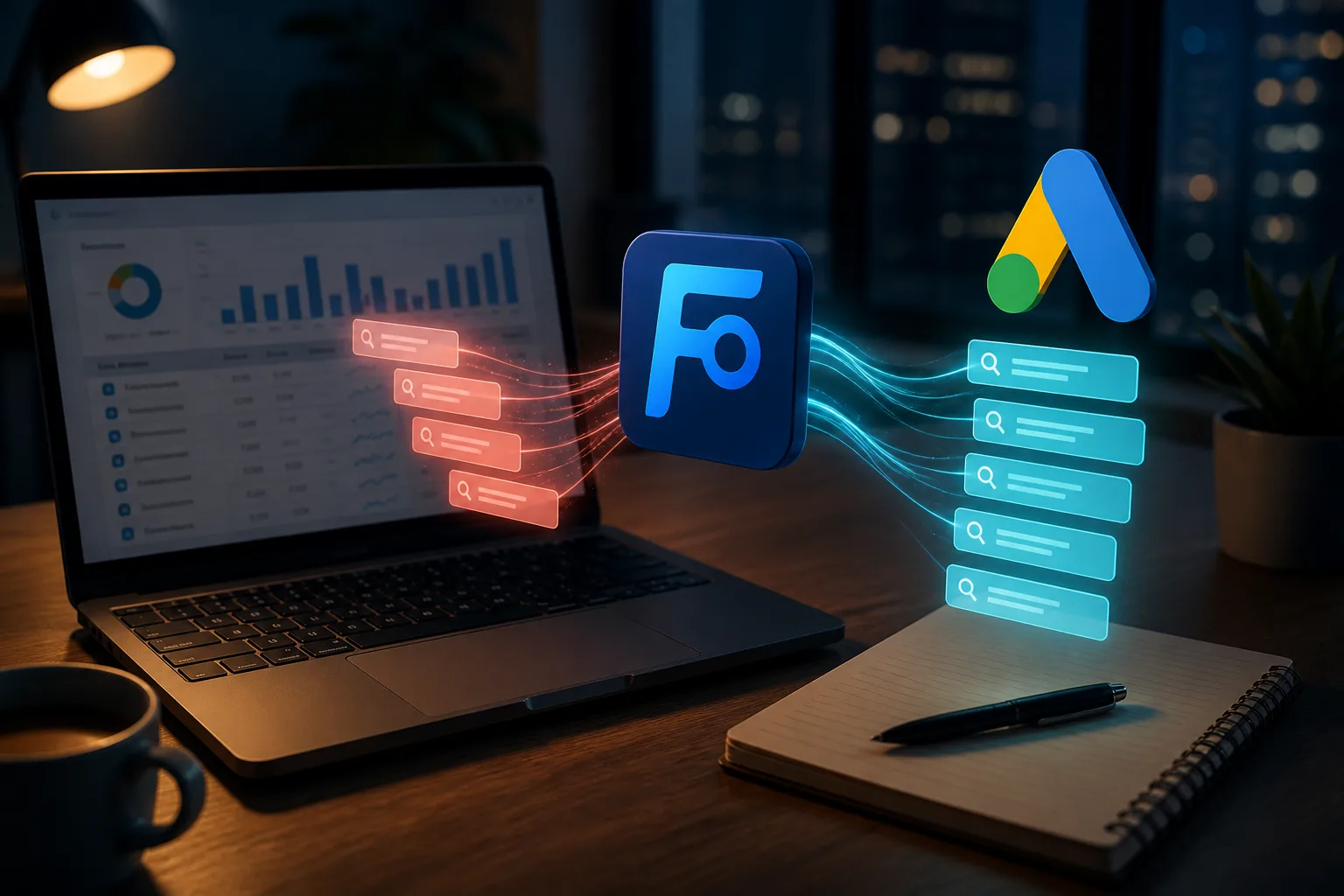
The ways to put Google Ads in your AI
Claude's directoryChatGPT's appsGoogle Ads MCP serverFloConnectorGoogle’s Google Ads MCP server is free and open source. Version 0.0.6, released on 2 November, has seven tools. Three read: one runs Google Ads Query Language (GAQL) reports, one looks up which fields you can report on, and one lists the accounts you can reach. Four make changes: create an asset (text, image, sitelink, callout and the like), upload a video to YouTube, and manage labels and where they’re attached.
To set it up you need Python 3.11 or later, a Google Cloud project with the Google Ads API switched on, and Google credentials on your machine. It then runs inside local AI tools like Claude Code, Codex or Cursor. To use it from Claude on the web or from ChatGPT, you’d deploy it yourself with its OAuth proxy, on Cloud Run for example.
FloConnector has 78 Google Ads tools, connects with your Google sign-in, and sits on the same URL as your CRM, spreadsheets and the rest of your stack. If MCP is a new word to you, here’s the plain-English version.
What each one can do
ClaudeChatGPTGoogle Ads MCP serverFloConnectorGoogle’s server wins one row: it can upload a video from your computer to YouTube, ready to use as an ad. Everything else that changes how an account spends money, from the campaign and its budget down to the keyword and the ad, is outside it today.
That gap is the whole job for most people who’d ask an AI to help with Google Ads: pause what’s wasting money, add the negatives, move budget to what’s working, test a new ad. FloConnector covers it, carefully. New Search and Display campaigns it creates start paused, so nothing spends until you switch them on, and Claude and ChatGPT ask before running any tool that makes a change.
One request, two connectors
Here’s the same request, sent to Claude twice: once with Google’s server running in Claude Code, once with FloConnector.
ClaudeGoogle Ads server onPause the ad groups that spent over $200 last week with no conversions, and add their worst search terms as negatives.
search_searchDonepause ad groupNo such toolI found three ad groups that match, $684 between them with no conversions, and the search terms behind them. But this server can only change assets and labels, so I can't pause them or add negatives. I can put a "Review" label on all three so they're easy to find in Google Ads. Want that?
Google AdsClaudeFloConnector onPause the ad groups that spent over $200 last week with no conversions, and add their worst search terms as negatives.
googleads_search_stream_gaqlDonegoogleads_mutate_ad_groupsDonegoogleads_mutate_ad_group_criteriaDoneHarbour Plumbing · last 7 days, 0 conversions
Done. Most of the waste was job-seekers and DIY searches ("plumber jobs", "how to unblock a drain"). Want me to move the $684 a week into the campaign that's converting?
FloConnectorThe difference isn’t the model. It’s the same Claude both times. It’s what the connection lets it touch. And the AI never sees your Google password either way: FloConnector holds the credential and makes the call on its behalf.
Pair it up
Google Ads only knows what happens up to the click. Whether that click became a customer lives in your CRM, the client wants the numbers in their report, and the team wants to hear when a budget is running hot. One FloConnector URL carries all of it, so Claude or ChatGPT can move it across in one request. I set this up as a profile: one URL with  HubSpot,
 Google Sheets,
 Slack and Google Ads behind it.
Closed deals to conversions
"Upload this week's closed-won deals from HubSpot to Google Ads as offline conversions."
Replaces
- Export closed-won deals with their click IDs
- Format the upload file
- Upload it in Google Ads
- Check for rejected rows
Weekly client report
"Put last week's spend, clicks and conversions by campaign into the client's report sheet."
Replaces
- Run the report in Google Ads
- Download it
- Paste it into the sheet
- Fix the formatting
Budget check
"Tell #ads which campaigns have already spent 80% of this month's budget."
Replaces
- Open each account
- Compare spend to budget
- Work out the pacing
- Write it up for the team
The offline conversions need one thing from your side: your forms have to keep the Google click ID with the lead, which HubSpot can do. My HubSpot comparison covers what else HubSpot’s own connector can and can’t do.
I’d give a junior account manager a profile with the reports and keyword ideas only, and keep budgets, bidding and campaign changes for whoever signs off the spend. That’s the point of choosing tools per profile: the same account, a different set of hands for each job.
Who should use which
Google’s Google Ads MCP server if you’re a developer building your own ads agent, you’re comfortable running Python and a Google Cloud project, and you mainly want reports, with assets and labels as the only changes.
FloConnector if you want the AI to run the account with you: pause what’s wasting money, add negatives, shift budget, test ads, and send conversions back from your CRM. That’s Google Ads on FloConnector, connected with your Google sign-in, in Claude, ChatGPT or any other MCP client. It’s the job most marketers bring us. Google Ads is a premium connector, included on the Pro and Scale plans.
Questions
Why don’t Claude and ChatGPT have a Google Ads connector? Neither directory lists one as of 26 November 2026. That may change. Google ships its own server quickly: version 0.0.6 came out four weeks after 0.0.5.
Is Google Ads on every FloConnector plan? No. Google Ads is a premium connector, included on the Pro and Scale plans at no extra charge.
Is FloConnector an official Google product? No. FloConnector is an independent connector built on the Google Ads API. Google Ads is a trademark of Google LLC.
Will the AI spend money without asking? Only if the profile it’s using has the write tools switched on. Turn them off and the same connection only reports. New Search and Display campaigns start paused, and Claude and ChatGPT ask before running a tool that makes a change, unless you’ve told them not to.
We’re an agency with a manager account. Does this work? Yes. FloConnector lists the client accounts under your manager account and works in whichever one you name. Each client can also have its own workspace, so their data never crosses.
Do I need a Google Cloud project or a developer token? Not with FloConnector. You sign in with the Google account that has access to your ads.
Will this comparison go out of date? Yes. Google is adding to its server every few weeks, and so are we. The Google Ads connector page carries the same table, and I’ll re-check Google’s side when it ships a new version.
Keep comparing