
Let Claude or ChatGPT run your HubSpot: every option compared
HubSpot now lives inside Claude and ChatGPT through its own MCP server, and runs through FloConnector. Here's what each one does, side by side: records, emails, workflows, sequences, and the rest of your stack.

 HubSpot took a different route from the accounting apps I’ve compared so far. Instead of building one app for
 Claude and another for
 ChatGPT, it built one MCP server and put it behind all of them, Copilot and Gemini included. Whichever AI your team uses, it gets the same HubSpot.
And it’s a good one. It creates and updates contacts, companies, deals and tickets, logs calls and notes, builds lists, drafts marketing emails, and publishes landing pages and blog posts. If you spend your day in the CRM, it’s genuinely useful from the first minute.
Where it stops is the part of HubSpot that runs on its own: the workflows and sequences that follow a lead up, the email that actually goes out, the import and the merge that keep the database clean. That layer, and everything outside HubSpot, is where  FloConnector comes in.
So this is my side-by-side of the ways to put HubSpot in your AI, and where each one fits.

The ways to put HubSpot in your AI
HubSpot in ClaudeHubSpot in ChatGPTHubSpot MCP serverFloConnectorHubSpot in Claude, in ChatGPT and as an MCP server are one server in three places. HubSpot’s docs say its connectors for Claude, ChatGPT, Copilot and Gemini “are powered by this server”, and list 41 tools. Each app gets a slightly different cut: 44 in Claude’s directory, 48 in ChatGPT’s, where the extras include a contact import from a CSV. The connector is free to install. In Claude it needs a paid plan, and a HubSpot Super Admin has to set it up before anyone else can connect. What each person can do then follows their HubSpot plan and permissions.
Don’t read too much into 41 against 354. HubSpot’s tools are broad: one of them, manage_crm_objects, creates and updates every kind of record. Ours are narrower and more numerous. The table below compares what each can actually do, which is the fairer test.
FloConnector has 354 HubSpot tools, connects with the HubSpot login you already use, and sits on the same URL as your spreadsheets, Slack, accounting and the rest of your stack. If MCP is a new word to you, here’s the plain-English version.
What each one can do
Claude appChatGPT appMCP serverFloConnectorThe bottom two rows are HubSpot’s. Social posts, buyer intent signals and HubSpot’s tools for how your brand shows up in AI answers aren’t in FloConnector, and if you live in those, keep HubSpot’s connector switched on.
The middle rows are the gap. Workflows and sequences are where HubSpot does the follow-up for you, and neither is reachable from HubSpot’s own server: the AI can add a contact, but it can’t put them into the sequence that emails them. Sending a marketing email is the same story; HubSpot’s server drafts it and stops. One note on our side: HubSpot itself only lets an outside app send a marketing email on Marketing Hub Enterprise, or with its transactional email add-on.
One request, two connectors
Here’s the same request, sent to Claude twice: once with HubSpot’s own connector switched on, once with FloConnector.
ClaudeHubSpot connector onEnrol everyone on the Thursday webinar list in our Webinar follow-up sequence.
search_crm_objectsDoneenroll in sequenceNo such toolI found the 14 contacts on the Thursday webinar list, but this connection can't enrol anyone in a sequence. You'll need to do that from the contact records in HubSpot. Want me to log a follow-up task on each one instead?
HubSpotClaudeFloConnector onEnrol everyone on the Thursday webinar list in our Webinar follow-up sequence.
hubspot_get_crm_list_by_nameDonehubspot_enroll_contact_in_sequenceDone ×14Webinar follow-up · 3 emails over 9 days
Done. Two of them were already in another sequence, so I left those alone. Want me to post the list to #marketing in Slack?
FloConnectorThe difference isn’t the model. It’s the same Claude both times. It’s what the connection lets it touch. And the AI never sees your HubSpot password either way: FloConnector holds the credential and makes the call on its behalf.
Pair it up
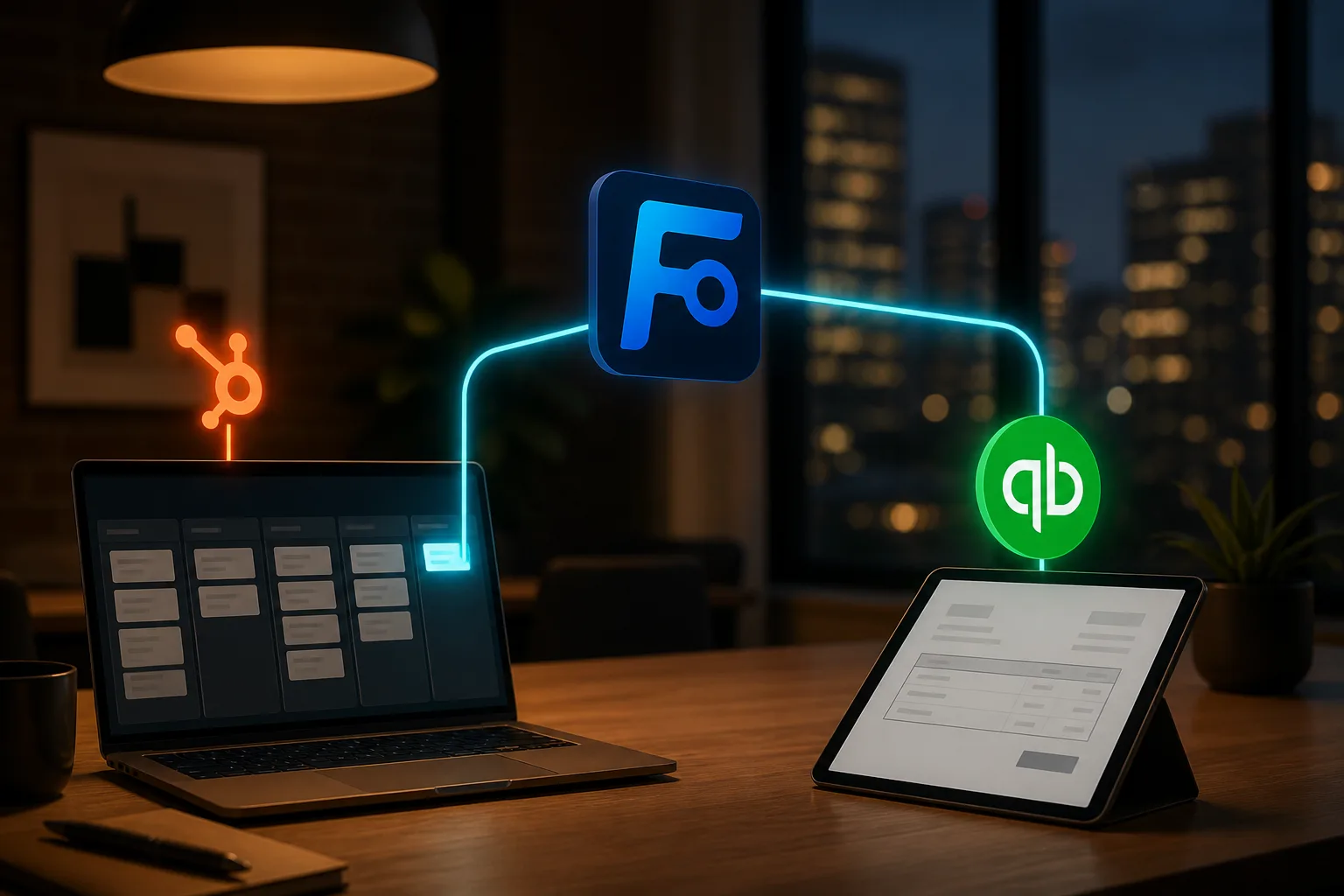
HubSpot is rarely the whole story. The sign-ups land in a spreadsheet, the won deal has to become an invoice, and the team hears about it in Slack. One FloConnector URL carries all of it, so Claude or ChatGPT can move it across in one request. I set this up as a profile: one URL with  Google Sheets,
 QuickBooks,
 Slack and HubSpot behind it.
Sign-up sheet to sequence
"Add everyone from the webinar sign-up sheet to HubSpot and enrol them in the follow-up sequence."
Replaces
- Export the sheet
- Import it and map the fields
- Fix the duplicates
- Enrol each contact by hand
Won deal to invoice
"Invoice every deal we closed this week in QuickBooks."
Replaces
- Filter closed-won deals
- Copy the line items
- New invoice, find the customer
- Send it
Pipeline to the team
"Post this week's won and stalled deals to #sales."
Replaces
- Build the report
- Pick out what changed
- Write the summary
- Post it
The invoice side works the same with QuickBooks or Xero, and I’ve compared what each accounting app’s own AI connector can do in the QuickBooks comparison and the Xero one.
I’d give a sales rep a profile with the records, notes and sequences, keep the workflow and import tools for whoever runs marketing ops, and leave the archive and merge tools off for everyone else. That’s the point of choosing tools per profile: the same HubSpot, a different set of hands for each job.
Who should use which
HubSpot’s own connector if your work lives inside HubSpot and your AI is Claude, ChatGPT, Copilot or Gemini. It’s free to install, it’s built by HubSpot, and it’s the only option here with social posts, intent signals and HubSpot’s AI-visibility tools.
HubSpot’s MCP server, connected yourself, if you use an MCP client that isn’t in HubSpot’s list and you want HubSpot’s own tools there.
FloConnector if you want the AI to run the follow-up and the housekeeping too: workflows, sequences, sending, merging, importing, and moving work between HubSpot and the rest of your stack. That’s HubSpot on FloConnector, connected with your normal HubSpot login. It’s what most marketers and sales teams bring us, and the plans start free on the pricing page.
Questions
Can I use HubSpot’s connector and FloConnector at the same time? Yes. They’re separate connectors in your AI client. Keep HubSpot’s for social posts and its AI-visibility tools, and use FloConnector for workflows, sequences and everything that crosses into your other apps.
Is FloConnector an official HubSpot app? No. FloConnector is an independent connector built on HubSpot’s public API. HubSpot is a trademark of HubSpot, Inc.
Do workflows and sequences work on any HubSpot plan? They work wherever your HubSpot plan includes them. FloConnector can only use features your account already has.
Will the AI change things in HubSpot without asking? Only if the profile it’s using has the write tools switched on. Turn them off and the same connection is read only. Claude and ChatGPT also ask before running a tool that changes data, unless you’ve told them not to.
We’re an agency with many client portals. Does this suit us? Yes. Each client gets its own workspace, with its own HubSpot connection and its own profiles, so nothing crosses between portals.
Will this comparison go out of date? Yes. HubSpot is adding tools to its server regularly, and so are we. The HubSpot connector page carries the same table, and I’ll re-check HubSpot’s side when it ships a new version.
Keep comparing