
What is overdue across the client projects, and who owns each one?
Incomplete tasks past their due date in the projects you name, with the assignee against each.
-
get_multiple_projects -
search_tasks_in_workspace -
get_multiple_users
Setup guide
Ask Claude what is late, who has it and what shipped, and get the answer out of Asana rather than out of a status meeting.
Before you start
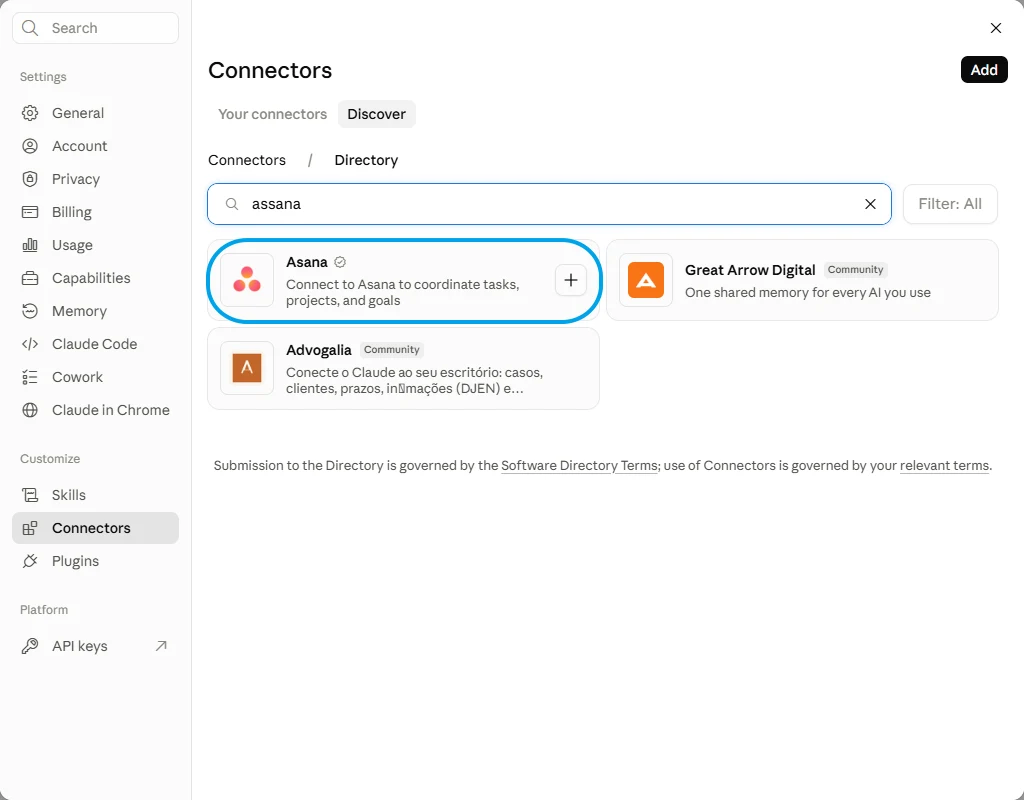
Asana's own connector is in the directory, verified, and it coordinates tasks, projects and goals. This page's route is a different shape: the whole Asana tool list behind one endpoint, with you choosing which of it Claude can touch.
Asana Verified
Versus
Connecting FloConnector connects Asana, and Asana is one of 62 connectors the same endpoint can carry. You do this setup once, not once per app.

Step one

Step two
Control
A profile carries only the tools you switch on, and the endpoint exposes only that profile. That is the whole permission model, and it is set before anyone connects.
Asana Connected 12/157 7 read 5 write
Tick a row to include it, or flip Read only to lock every write off at once.
FloConnector holds the Asana credential, encrypted before it is stored, and calls Asana on the model's behalf. Claude sees the tools and their results, never the credential behind them.
Once it is connected
Each of these runs real Asana tools, named underneath so you can see what Claude is actually calling. 12 of the 157 tools are covered here.
What is overdue across the client projects, and who owns each one?
Incomplete tasks past their due date in the projects you name, with the assignee against each.
get_multiple_projects search_tasks_in_workspace get_multiple_users Stand up the onboarding project for Meridian from the one we ran last time.
A copy of the previous project under the new name, with the extra tasks this client needs added on top of it.
get_multiple_projects duplicate_project create_a_task Comment on the design task that the brief changed, and push its due date to next Thursday.
A comment on that task's activity feed and the due date moved, both on the task you meant rather than one with a similar name.
search_tasks_in_workspace create_task_comment update_a_task How much time has gone into the Meridian project, and against which tasks?
The entries logged per task and the project total. It reads what has been tracked; it does not add any.
get_tasks_from_a_project get_time_tracking_entries_for_task What did each team ship last week?
The status updates posted against each team's projects in that window, in whatever words the person writing them used.
get_teams_in_workspace get_project_status_updates Break the launch task into subtasks for copy, design and QA, and put a name on each.
Three subtasks under the parent with an assignee on each, and the parent left where it sits in its section.
search_tasks_in_workspace get_multiple_users create_subtask Troubleshooting
Claude Desktop sits on Connect after you signed in
The sign-in has usually succeeded. Check the profile in your dashboard: if the grant is there the connection is live, and restarting the desktop app clears the stale button. It is a client-side issue, not something the server can fix.
The connector saves but no tools appear
Disconnect and reconnect it once. If it is still empty, check in the dashboard that the connection behind the profile is still connected and that you are an assigned member of that profile.
The first load is slow on a very large profile
A profile exposing hundreds of tools takes longer to load, and a model given too many tools chooses worse. Split the work across two profiles rather than exposing everything at once. This is the failure mode most MCP write-ups name and never solve.
No. You approve the connection on Asana's own page and the token that comes back is encrypted before FloConnector stores it. Claude sees the tools and their results, never the credential behind them.
No, and this is worth understanding before you connect. The connection inherits the permissions of the account that authorised it, so a private project that account cannot open is one Claude cannot read either. Connect with an account whose access matches what you want reachable.
Not unless somebody switched that on. Deleting projects, sections, tasks and tags are their own tools, flagged in the picker, and they are off until you turn them on. A profile built for planning and reporting has no way to remove anything.
Not through the profile, which controls which tools exist rather than which records they reach. That limit belongs in Asana itself, on the account you connect. Give a contractor their own connection under their own Asana login and Asana's sharing does the rest.
Yes, and it is the reason a profile is not the same thing as a connector. One profile can carry several connectors, so a single endpoint lets Claude take a closed deal from the CRM and open the project for it without you switching tools.
It needs the same URL pasted into a different menu. A profile endpoint is a standard hosted MCP server, so nothing about the connection changes.
Both use the word and they mean different things. Asana scopes everything to its own workspace or organisation, so Claude has to be pointed at one before a search returns anything at all. FloConnector's workspace is the tenancy holding the connection, and one of ours can hold several Asana connections, because Asana is not capped at one.
Claude can read the entries logged against a task and total them for a project, which covers the reporting half. Logging time is not in the connector, so the hours still get entered by whoever worked them.
Asana's search runs across a whole workspace and hands back a capped set rather than everything that matches, so a vague question gets a partial answer that looks complete. Naming the project, the assignee or the date range is what makes it reliable.
Your turn
One connection, one endpoint, and 157 Asana tools your AI can actually run. Start free with 1,500 tool calls and see what your own first week looks like.
