
Who has booked with me this week, and what did they say on the form?
Each booking in the period with the invitee attached and the answers they gave when they picked the slot.
-
list_scheduled_events -
list_event_invitees
Setup guide
Ask Claude who booked, who did not turn up, and who filled in the form and never picked a slot.
Before you start
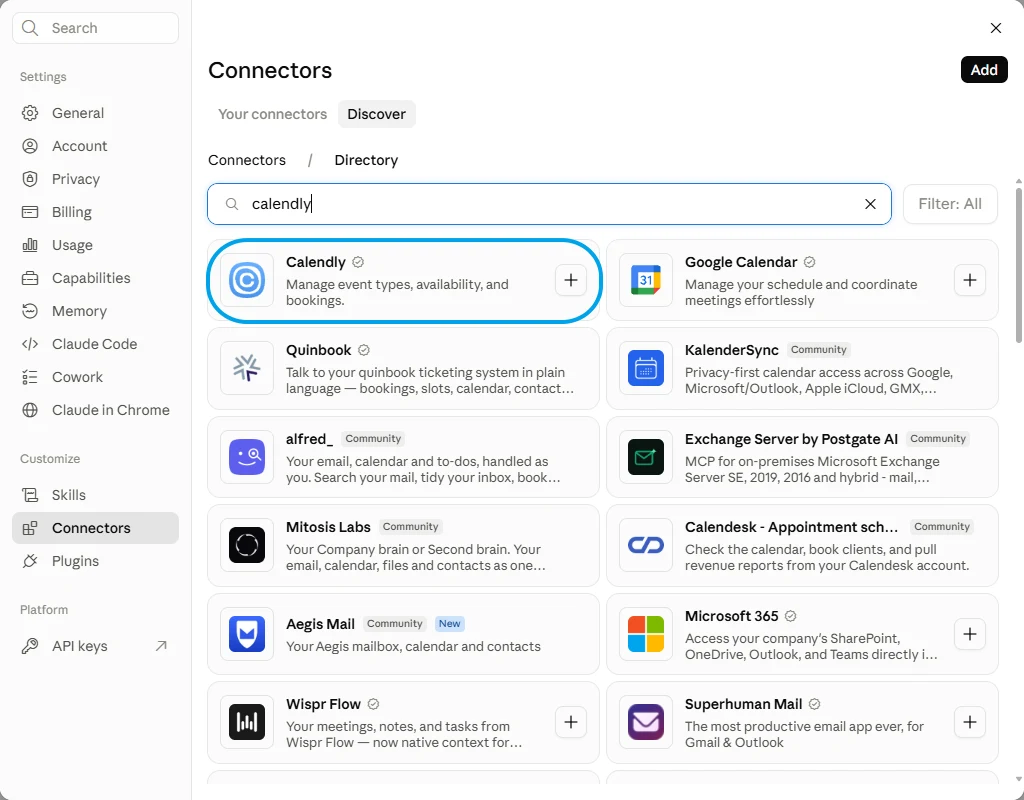
Calendly's own connector is in the directory, verified, and it handles event types, availability and bookings. This page's route is a different shape: the whole Calendly tool list behind one endpoint, with you choosing which of it Claude can touch.
Calendly Verified
Versus
Connecting FloConnector connects Calendly, and Calendly is one of 62 connectors the same endpoint can carry. You do this setup once, not once per app.

Step one

Step two
Control
A profile carries only the tools you switch on, and the endpoint exposes only that profile. That is the whole permission model, and it is set before anyone connects.
Calendly Connected 13/53 10 read 3 write
Tick a row to include it, or flip Read only to lock every write off at once.
FloConnector holds the Calendly credential, encrypted before it is stored, and calls Calendly on the model's behalf. Claude sees the tools and their results, never the credential behind them.
Once it is connected
Each of these runs real Calendly tools, named underneath so you can see what Claude is actually calling. 13 of the 53 tools are covered here.
Who has booked with me this week, and what did they say on the form?
Each booking in the period with the invitee attached and the answers they gave when they picked the slot.
list_scheduled_events list_event_invitees Send me a one-time link for a forty-five minute call with the Meridian team.
A link tied to the event type you named that works once and then expires, so it cannot be forwarded round the office.
list_event_types create_single_use_scheduling_link Which routing form submissions this month never turned into a booking?
Submissions matched against bookings, leaving the people who answered the questions and then never picked a time.
list_routing_forms list_routing_form_submissions list_scheduled_events Mark yesterday's no-show and cancel their follow-up.
The invitee flagged as a no-show on that event and the later booking cancelled, with Calendly's own cancellation notice going out to them.
list_scheduled_events invitee_no_show cancel_scheduled_event How busy am I next week, and where are the gaps my event type is actually offering?
Your busy intervals from the calendars Calendly is connected to, set against the slots the event type is really handing out.
get_user list_user_busy_times list_event_type_available_times Who is on our Calendly organisation and which event types are they hosting?
Everyone in the organisation with the event types each one hosts, including the ones shared across the team.
list_organization_memberships list_event_types list_event_type_memberships Troubleshooting
Claude Desktop sits on Connect after you signed in
The sign-in has usually succeeded. Check the profile in your dashboard: if the grant is there the connection is live, and restarting the desktop app clears the stale button. It is a client-side issue, not something the server can fix.
The connector saves but no tools appear
Disconnect and reconnect it once. If it is still empty, check in the dashboard that the connection behind the profile is still connected and that you are an assigned member of that profile.
The first load is slow on a very large profile
A profile exposing hundreds of tools takes longer to load, and a model given too many tools chooses worse. Split the work across two profiles rather than exposing everything at once. This is the failure mode most MCP write-ups name and never solve.
No. You approve access on Calendly's own page, and the token that comes back is encrypted before FloConnector stores it. Claude sees the tools and what they return, never the credential.
Only with the cancel tool on the profile, and it is a separate switch from everything that reads. Cancelling sends Calendly's own notice to the invitee, so it is never a quiet action. A profile built for reporting has no way to do it.
Not for bookings and invitees, which are the bulk of it. Routing forms, the activity log and the organisation-wide reads belong to the paid tiers, and on a free account those specific tools return nothing. Check which tier you are on before building a profile around them.
Yes, because that is most of what an invitee record is, so it is worth being deliberate about who is on that profile. FloConnector's own log records which tool ran and when, not the contents of what came back.
Yes, and the two answer different questions. Calendly knows who booked and what they said on the way in; a calendar knows what your week actually looks like. One profile can carry both, so a single endpoint covers the pair.
Same URL, different menu. A profile endpoint is a standard hosted MCP server, so nothing on the Calendly side needs doing twice.
Calendly is built around the other person picking the slot, so the normal flow is Claude making a single-use link and later reading who used it. There is a tool that adds an invitee to an event directly, but it is the exception. If what you want is a meeting dropped straight into a diary, that is a calendar connector's job rather than this one's.
Calendly's API cancels and it books, with nothing in between. Moving a meeting means cancelling it and sending a fresh link, which is two messages to the invitee instead of one. Worth knowing before you promise somebody a tidy reschedule.
Many of the read tools want an organisation rather than a user, and which ones you can call at all depends on your Calendly tier. Routing forms, the activity log and the organisation-wide reads are paid-plan features, and on a free account they come back empty rather than erroring, which looks like a broken connection and is not one.
Your turn
One connection, one endpoint, and 53 Calendly tools your AI can actually run. Start free with 1,500 tool calls and see what your own first week looks like.
