
Which deals have not moved in three weeks, and whose are they?
Open deals filtered on when they last changed, with the stage each is sitting in and the owner it belongs to.
-
search_deals -
retrieve_owners
Setup guide
Put HubSpot behind Claude and it works in the real pipeline, with your portal's own properties and stages rather than a guess at them.
Before you start
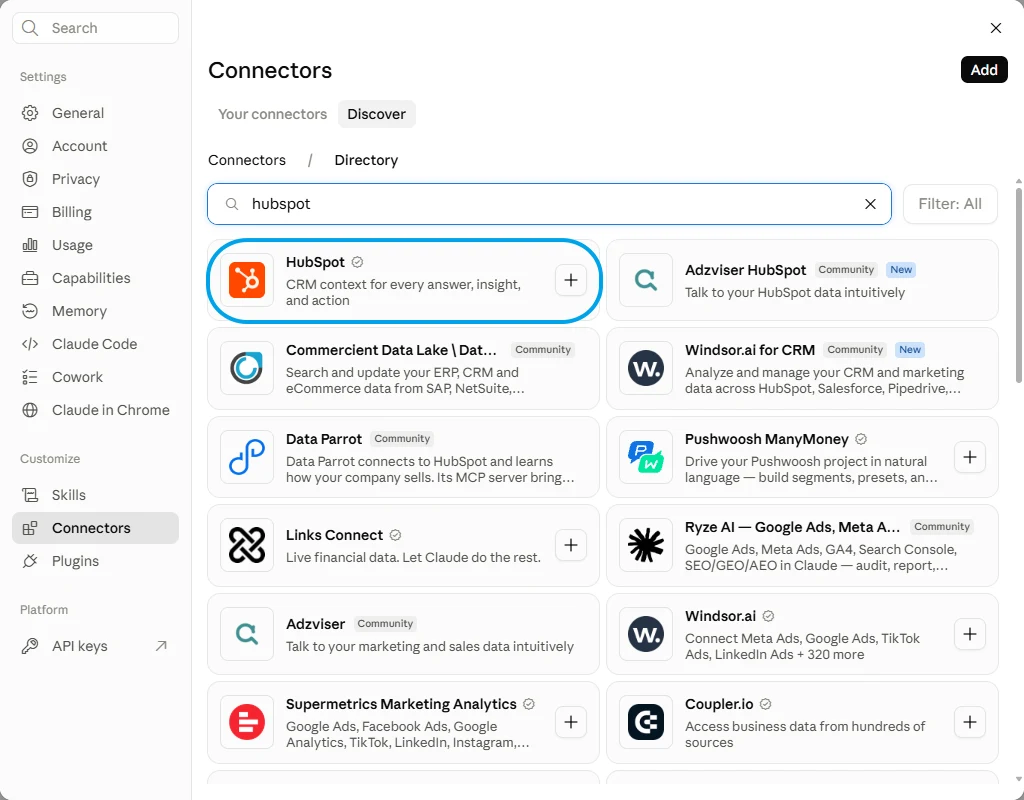
HubSpot's own connector is in the directory, verified, and it brings CRM context into an answer. This page's route is a different shape: the whole HubSpot tool list behind one endpoint, with you choosing which of it Claude can touch.
HubSpot Verified
Versus
Connecting FloConnector connects HubSpot, and HubSpot is one of 62 connectors the same endpoint can carry. You do this setup once, not once per app.

Step one

Step two
Control
A profile carries only the tools you switch on, and the endpoint exposes only that profile. That is the whole permission model, and it is set before anyone connects.
HubSpot Connected 13/294 8 read 5 write
Tick a row to include it, or flip Read only to lock every write off at once.
FloConnector holds the HubSpot credential, encrypted before it is stored, and calls HubSpot on the model's behalf. Claude sees the tools and their results, never the credential behind them.
Once it is connected
Each of these runs real HubSpot tools, named underneath so you can see what Claude is actually calling. 13 of the 294 tools are covered here.
Which deals have not moved in three weeks, and whose are they?
Open deals filtered on when they last changed, with the stage each is sitting in and the owner it belongs to.
search_deals retrieve_owners Write up the call I just had with Priya at Meridian and set a follow-up for Friday.
A note on that contact's timeline and a task dated Friday against the same record, both landing on the existing contact rather than a new one.
search_contacts_by_criteria create_note create_task Add the demo signups as contacts and link each one to their company.
Contacts written against your portal's actual property names, then associated with the matching company record instead of left floating on their own.
list_contact_properties create_contacts search_companies create_association What is in the pipeline for this quarter, by stage and by owner?
Deal value totalled by stage and by owner, against the stage names your pipeline actually uses rather than the ones HubSpot ships with.
search_deals get_pipeline_by_id retrieve_owners Which support tickets have been open longest, and what did the customer last say?
Open tickets sorted by age, with the contact on each and the most recent note from their record.
search_tickets list_contact_notes Move the Meridian deal to contract sent and push the close date out a fortnight.
That one deal found and changed, with the new stage and date read back. Nothing else in the pipeline moves with it.
search_deals update_deal Troubleshooting
Claude Desktop sits on Connect after you signed in
The sign-in has usually succeeded. Check the profile in your dashboard: if the grant is there the connection is live, and restarting the desktop app clears the stale button. It is a client-side issue, not something the server can fix.
The connector saves but no tools appear
Disconnect and reconnect it once. If it is still empty, check in the dashboard that the connection behind the profile is still connected and that you are an assigned member of that profile.
The first load is slow on a very large profile
A profile exposing hundreds of tools takes longer to load, and a model given too many tools chooses worse. Split the work across two profiles rather than exposing everything at once. This is the failure mode most MCP write-ups name and never solve.
No. You sign in on HubSpot's own page and choose the permissions there. The token that comes back is encrypted before FloConnector stores it, and Claude only ever sees the tools and what they return.
Not if the search tools are on the profile beside the create tools. Claude looks for the record first and updates it when it finds one; a profile that can create but cannot search is the one that makes duplicates, so switch them on as a pair.
Yours, provided the property list is on the profile. That is its own read tool, and with it available Claude writes to the fields your portal really has. Without it, expect to be asked for field names every time.
The marketing email tools are separate switches from the CRM ones, and publishing is separate again from drafting. Leave publishing off and Claude can build an email for somebody to look at, but cannot put it in front of a list.
Yes. People are assigned to profiles one at a time, so a rep can have an endpoint carrying deal search and note writing, while reporting and anything destructive lives on a profile they are not on.
Yes, and it is the same URL. A profile endpoint is a standard hosted MCP server, so adding it in another client is a paste rather than a second connection.
A connection authorises one portal, and a workspace holds one connection. An agency running HubSpot for several clients needs a workspace each, which is also how you keep one client's pipeline from ever appearing in another's endpoint.
A contact, a company, a deal and a ticket are separate objects wired together by association records. Creating a contact does not put it on a company; that is a second call. Ask for the link explicitly, or you end up with tidy records that know nothing about each other.
HubSpot's GDPR delete removes a contact permanently and blocks the address from ever being added again. Those tools are flagged in the picker, and they should stay off on every profile except one somebody built on purpose for exactly that job.
Your turn
One connection, one endpoint, and 294 HubSpot tools your AI can actually run. Start free with 1,500 tool calls and see what your own first week looks like.
